
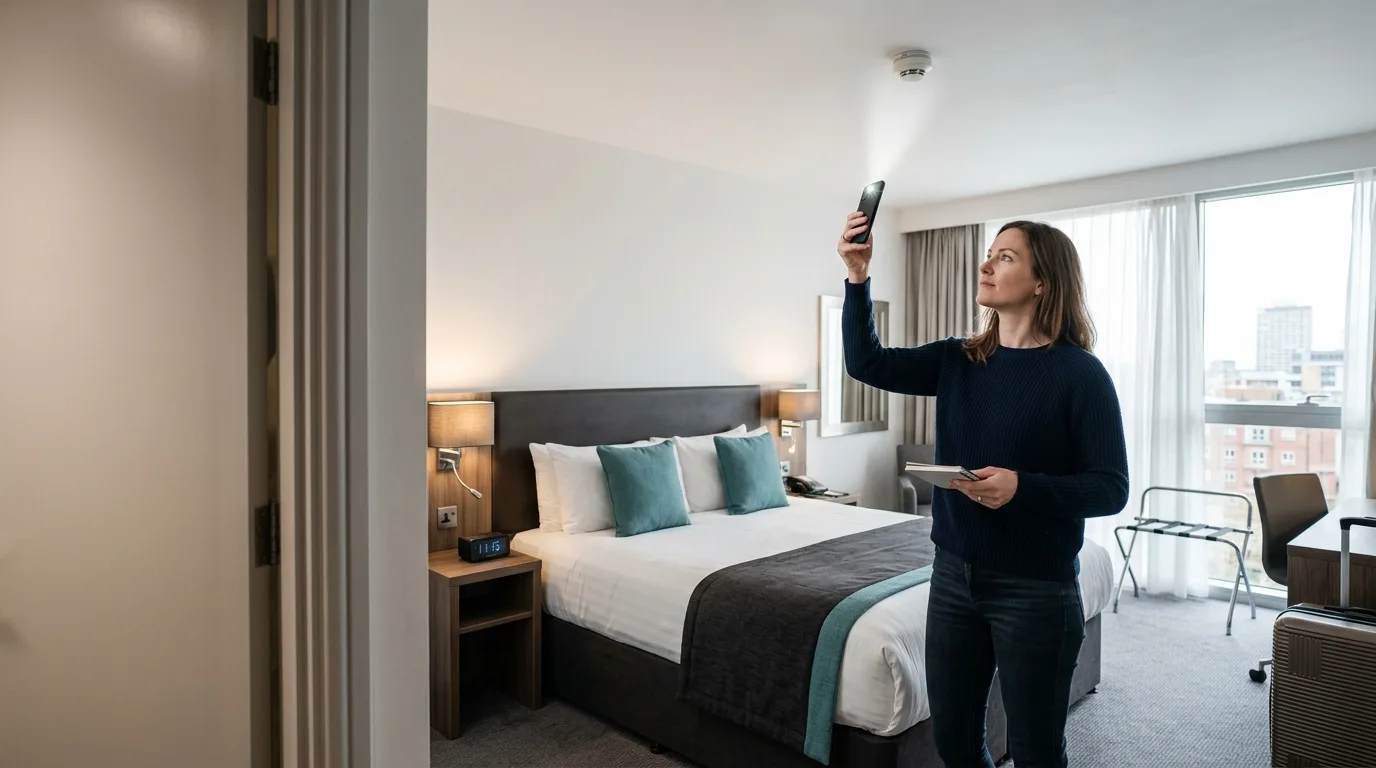
A good room check is calm, systematic, and focused on places with a useful view. No single app or trick can prove a room is camera-free, but several checks together can reveal devices that deserve a closer look.
Start with the room layout
Stand where privacy matters most: near the bed, bathroom entrance, shower, or changing area. Look back toward objects with a direct line of sight. A camera needs a view, power, storage, or a way to transmit footage.
- Check smoke detectors, alarm clocks, USB chargers, TV boxes, lamps, mirrors, vents, and decorative objects.
- Look for objects angled toward private areas or placed somewhere that makes little practical sense.
- Notice extra wires, unexpected indicator lights, small holes, or mismatched surfaces.
Use a flashlight for lens reflection
Dim the room, move slowly, and shine a narrow flashlight beam across suspicious objects from several angles. A glass camera lens can return a sharp pinpoint reflection. Dust, screws, and glossy plastic can reflect too, so inspect every reflection at close range rather than treating it as proof.
Scan the local network
If you trust the room Wi-Fi, a network scan can list devices visible on the same local network. Device names and manufacturers may help identify cameras, but many networks isolate guests and many cameras use a separate connection. A missing result does not mean the room is clear.
Check nearby Bluetooth devices
Bluetooth scanning can reveal nearby accessories and unfamiliar devices. Compare the list before and after switching known room electronics off. Device names are not always accurate, and signal strength changes with walls, distance, and body position.
What to do if you find something suspicious
- Do not damage, unplug, or handle the device unless you need to protect immediate privacy.
- Photograph the object and its location from a safe distance.
- Leave the room and contact hotel management or local authorities if you believe a crime may be occurring.
- Avoid posting accusations until the device has been professionally identified.
Frequently asked questions
Can an iPhone detect every hidden camera?
No. An iPhone can support visual, network, and Bluetooth checks, but no phone can guarantee that every hidden or offline camera has been found.
Where are hidden cameras most likely to be placed?
Focus on objects with a clear view of beds, bathrooms, changing areas, and entrances, especially objects that already have power.
Does turning off the lights help?
It can help with lens-reflection checks and may reveal infrared LEDs, although many cameras do not show visible light.